Gemini's Android Camera Just Got a Draggable Bottom Sheet — and You Might Already Have It
Google has replaced the generic fullscreen viewfinder in the Gemini app for Android with a nearly edge-to-edge bottom sheet that you drag upward with an…
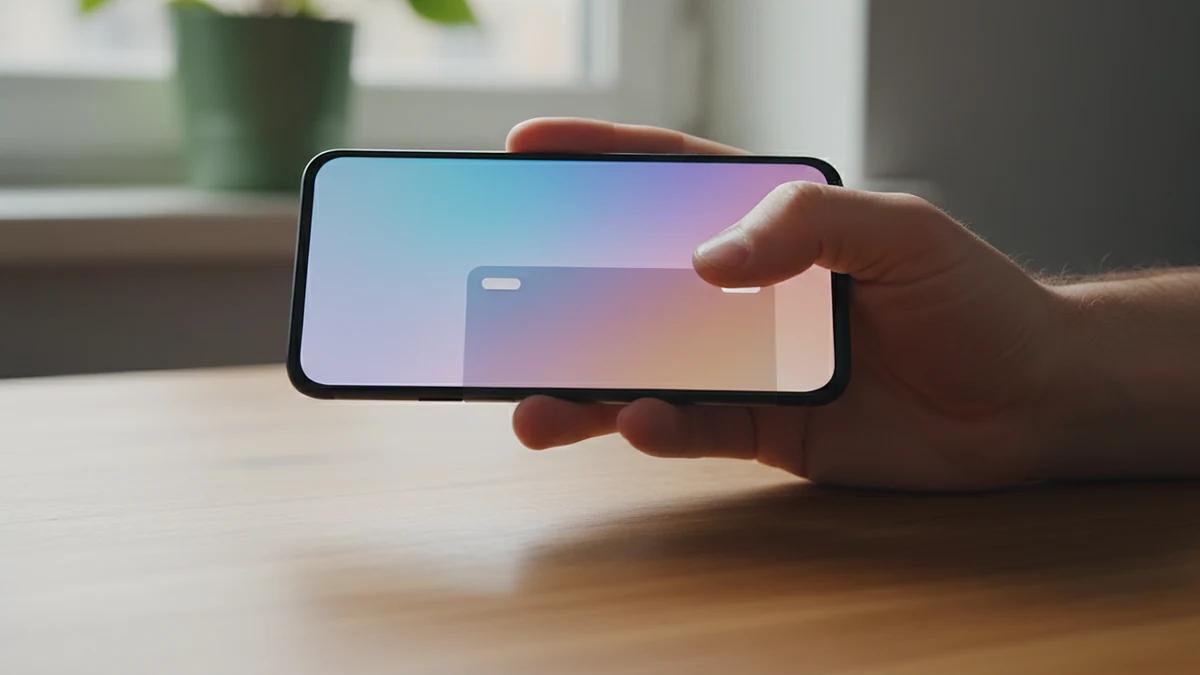
Google has replaced the generic fullscreen viewfinder in the Gemini app for Android with a nearly edge-to-edge bottom sheet that you drag upward with an animation, taking up most of the screen.
The redesigned camera sits inline on the Gemini homepage or inside a conversation, and it is reached from the plus menu in the prompt box. The sheet extends behind the system navigation bar, a clear break from the older look.
What the new controls do
- A three-dot overflow button to the right of the capture button animates when opened, showing options for flash and for switching to the front-facing camera.
- A back button sits on the other side, though swiping down also closes the sheet.
- The older fullscreen viewfinder is still what you get when the camera is launched from the Gemini overlay.
The interface first appeared in the Gemini app for iOS and has now widely rolled out on Android across both the beta and stable channels, with the stable version listed as 17.76 and above. If it is not showing up, the advice is to force stop the Google app.
GIF creation arrives alongside it
Google has also added GIF creation to the Gemini app, handled by its Gemini Omni 1.2 Flash video model, which the company says delivers smooth motion and consistent quality across every frame. You can pick GIF from the Format menu or simply ask for a GIF in your prompt.
Google is positioning the feature as a replacement for hunting through GIF libraries, covering everything from looping photo effects to memes.
Source: 9to5Google. For hands-on reviews and news on phones, see The Verge.
Written by the MobilesInsight team. Phone prices change daily: check the current prices in Bangladesh before you buy.