Gemini Can Now Click and Type Around Your Mac While You Keep the Cursor
Google's Gemini app for Mac has learned to click, type, open menus and fill in forms on its own — and it does the work in an isolated background window while…
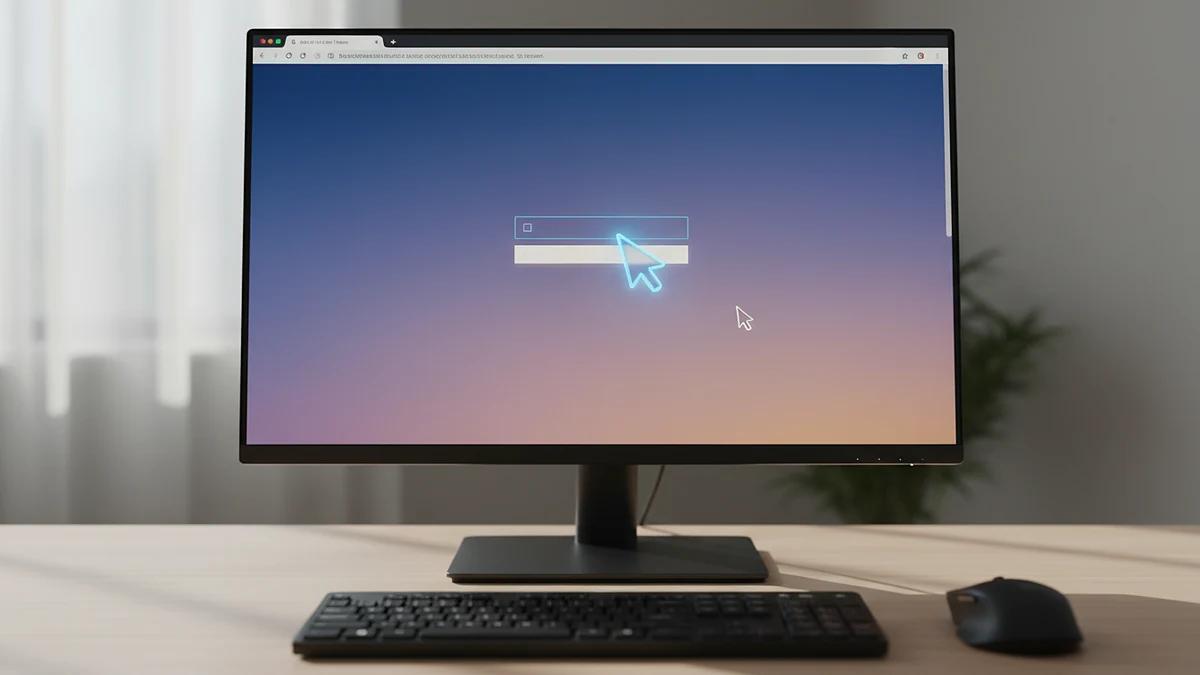
Google's Gemini app for Mac has learned to click, type, open menus and fill in forms on its own — and it does the work in an isolated background window while your main screen and cursor stay free.
What computer use actually does
The capability, called computer use, is for multi-step chores that stretch across desktop apps and websites which don't talk to each other. Google points to batch editing photos, preparing listings for resale platforms, and turning metrics and screenshots into a presentation as examples of what it is good for. Previously, the app's Task feature — formerly Gemini Spark — could only reach local files alongside Connected Apps such as Gmail or Google Calendar.
To set it off, you add @Computer use to your prompt. In Customize > Connectors, new Desktop entries join the existing Git and Obsidian integrations, with Blender and Autodesk Fusion named among them.
Keeping an eye on it
Gemini shows a live preview inside the chat so you can watch what it is doing. You decide which apps it is allowed to touch, and you can stop it with a single click. It pauses at logins and payments, and sensitive actions need your confirmation before they go ahead.
Who can get it, and what it costs
- Computer use is rolling out in US English for Google AI Plus, Pro and Ultra subscribers.
- Those plans start at $4.99 per month.
- The app requires an Apple silicon Mac and can be downloaded from the Google website.
Apple is tightening the rules at the same time
The feature arrives before macOS 27.3 launches. That update brings warnings about the dangers of giving apps unrestricted access to data, clearer signs of what an AI agent can see and do, limits on access to specific apps and folders, options to demand permission every time access is requested, and an indicator that shows when one app is controlling another. People who grant Mac permissions before macOS 27.3 arrives will not have to grant them again afterwards, and they will not see the new explanation screens Apple is adding.
Source: 9to5Mac. For hands-on reviews and news on phones, see The Verge.
Written by the MobilesInsight team. Phone prices change daily: check the current prices in Bangladesh before you buy.