Moonlock Hits iPhone With a Big Catch: It Won't Scan for Malware
MacPaw has brought its Moonlock cybersecurity app to iPhone, and the most notable thing about it is what it cannot do: it does not scan for malware. iOS blocks…
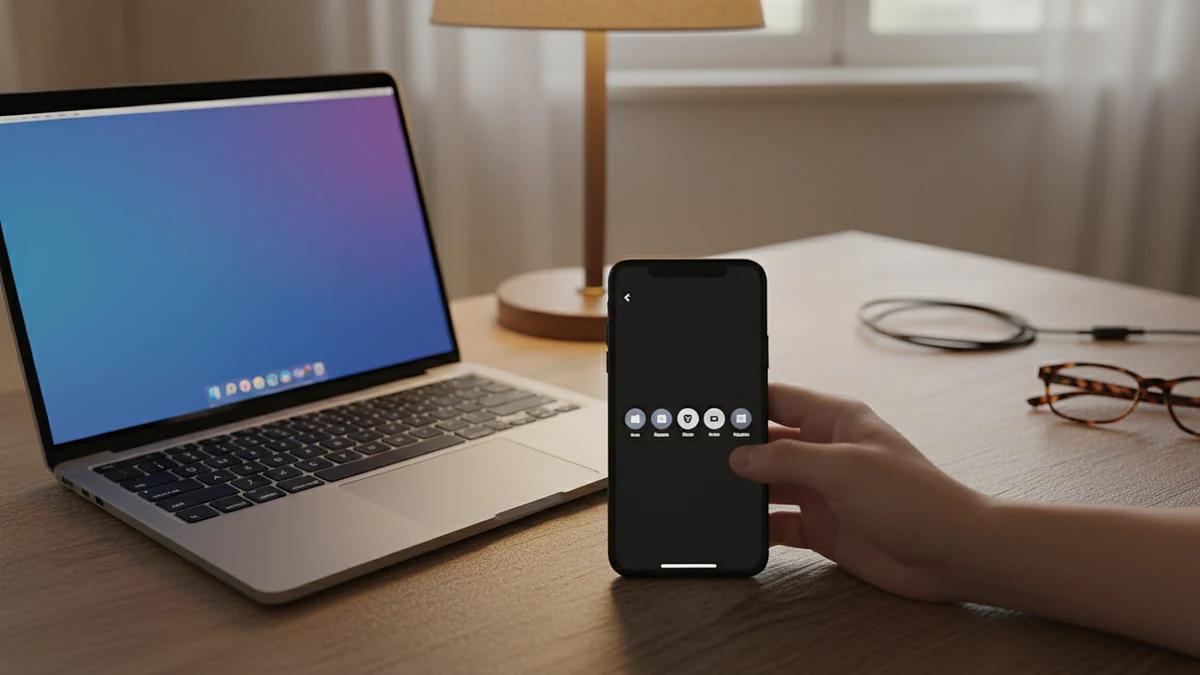
MacPaw has brought its Moonlock cybersecurity app to iPhone, and the most notable thing about it is what it cannot do: it does not scan for malware. iOS blocks third-party apps from reaching into other apps and their files, so the mobile version skips the malware scanning found in the Mac release and concentrates on spotting scams, flagging exposed personal information and helping users tighten their iPhone's security.
Scam Detect does the heavy lifting
The centrepiece is Scam Detect, which checks suspicious content for signs of phishing. A user can paste, scan or share a text message, a screenshot passed along by a friend, a link or a QR code with the app, and Moonlock returns an assessment explaining why the item may be suspicious.
MacPaw's head of product management Oleg Stukalenko said the original goal with Moonlock was to make cybersecurity something anyone could understand and use, and that bringing it to iPhone was a natural next step because so much of daily life — banking and ordinary conversations included — now happens on a phone. The aim, he said, is to help people catch a scam before they tap, see where their security stands and know what to do next.
What else is inside
- Safe SMS: an opt-in filter that automatically screens out scam texts and keeps a record of what was caught and why.
- Security Score: a score from 0 to 100 reflecting the iPhone's security setup, paired with recommendations for improving it.
- Email Breach History: a check on whether an email address has appeared in a data breach, revealing the source, when it happened and what was exposed, then walking the user through securing each affected account.
- Device and network checks: reviews of Wi-Fi security, passcode protection and iOS updates, with checklists of one-time actions and step-by-step instructions.
Where to get it and what it costs
Moonlock is available from the App Store and through Setapp, MacPaw's third-party app marketplace. A Setapp subscription covers Moonlock on both Mac and iPhone, so no separate iPhone purchase or extra account is needed.
The app is free to download, with subscriptions at $9.99 per month or $49.99 per year. MacPaw also offers customizable plans whose rates depend on how many devices are covered — a single-device plan is listed at $13.50 per month, with yearly billing working out at $4.50 per month — and each plan carries a one-time purchase option.
Source: 9to5Mac. For hands-on reviews and news on phones, see The Verge.
Written by the MobilesInsight team. Phone prices change daily: check the current prices in Bangladesh before you buy.